Invoices and Your Account
Everything you sell goes on one invoice a month. Early in the next month we email it to you as a PDF, then collect it from your payment method. A venue's trips go on the invoice it already has with us; a travel company has its own.
The month is your own: it ends at midnight where you are, not where we are.
What each line means
A trip goes on the invoice for the month you set it up, not the month it's played. Each line names the trip:
- Group trip: Harbour Society Weekend, 16 players at (your price): a trip you set up, charged per player.
- Group trip: Harbour Society Weekend, 2 more places at (your price): places you added.
- Group trip: Riverside Ladies Away Weekend, 8 players, free trial (worth (its price)): your free trial trip, at nothing, with what it would have cost.
- Credit: Northgate Society Outing, cancelled: a trip you cancelled after an invoice had already charged it.
- Code FAIRWAY10: Westfield Society Tour: a trip a group bought with your code (Codes).
If your arrangement caps how many players we charge for one trip, a big group's line says how many were charged: "24 players, 20 charged at ...".
Credits come off last. If they come to more than the month's charges, the invoice is nothing and the rest is carried to the next one. An invoice for nothing is still sent, so your records are complete.
A travel company's account
Your home page
Your home page is where you arrive when you log in: this month's invoice so far, your payment method, your trips, and your invoices to open as PDFs.
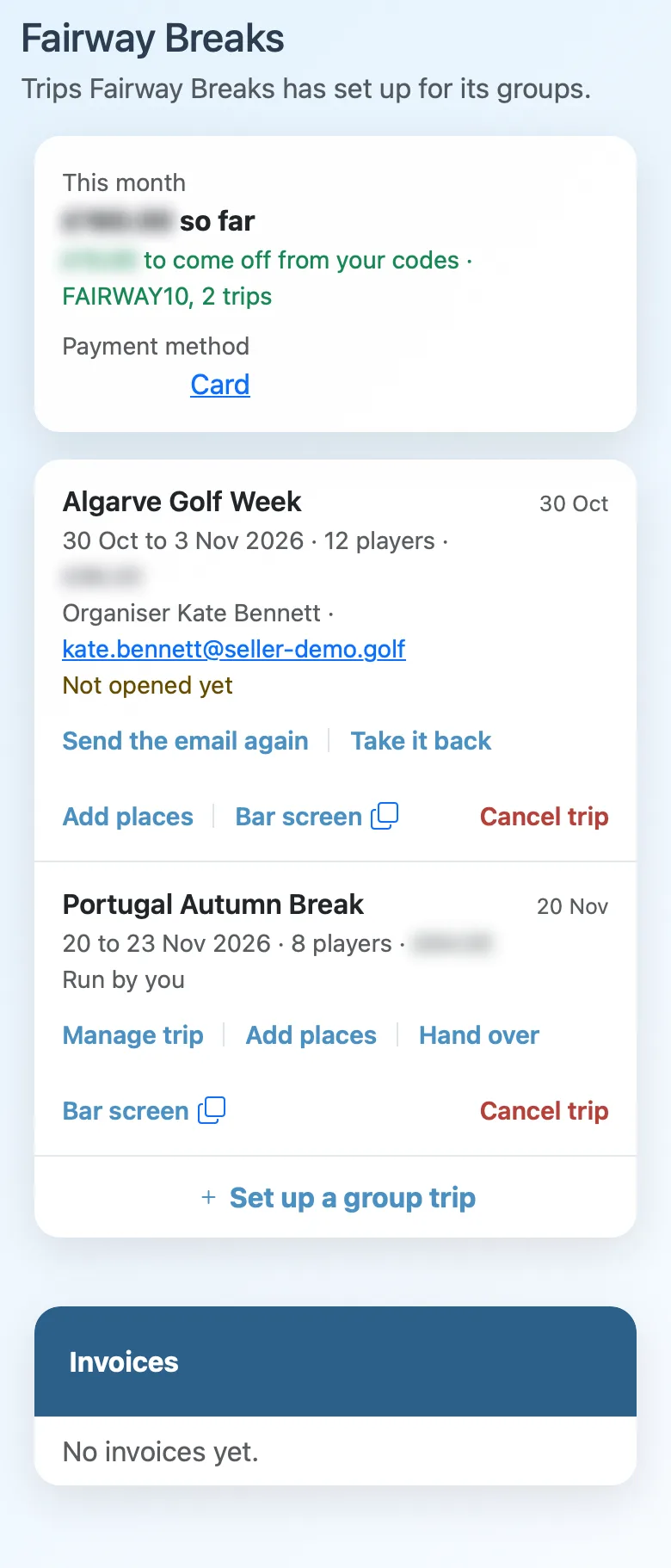
Paying
Tap the payment method to change it. You can pay by card, or by Direct Debit in pounds or euros. We take each invoice from it automatically.
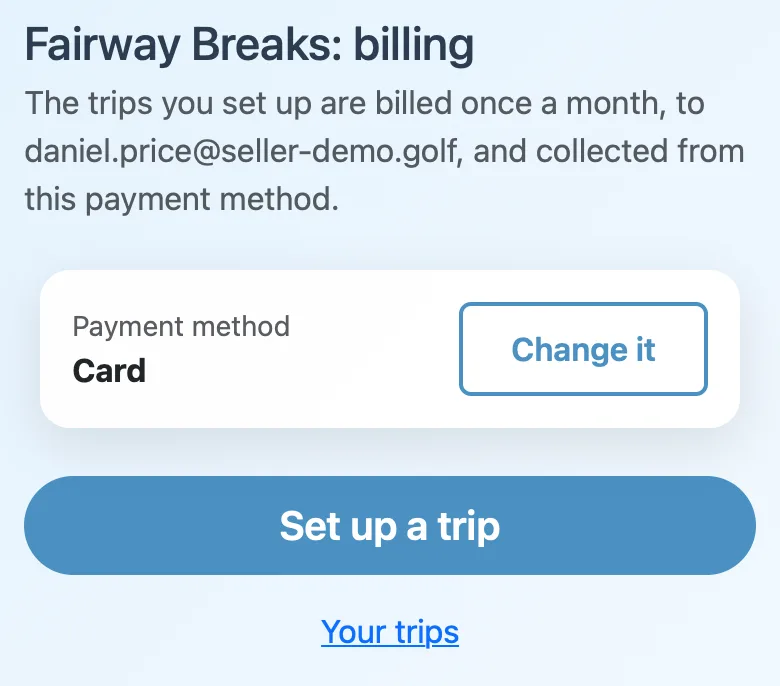
The invoice goes to your billing email. To change that email, or the name and address on your invoices, ask us.
Your name and logo on your trips
Your trips carry your name. The menu bar shows your name and logo on every page of the trip, for the organiser and every player:
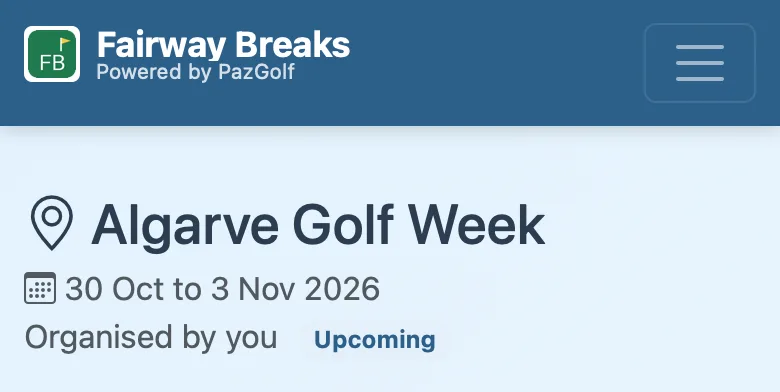
They're at the top of the bar screen too, and on the email we send the organiser for you. Send us your logo and we'll add it.
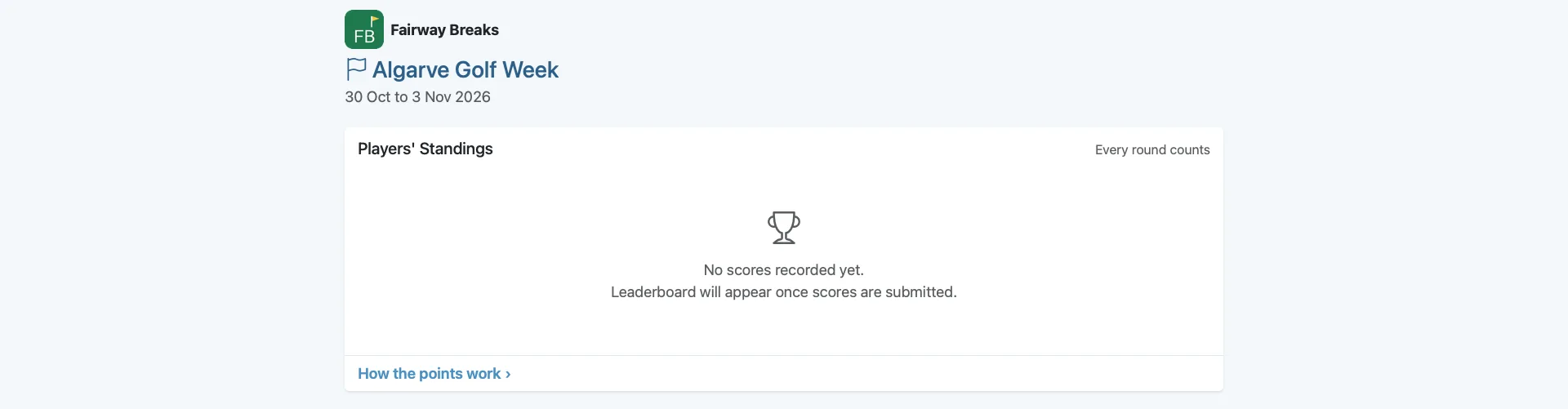
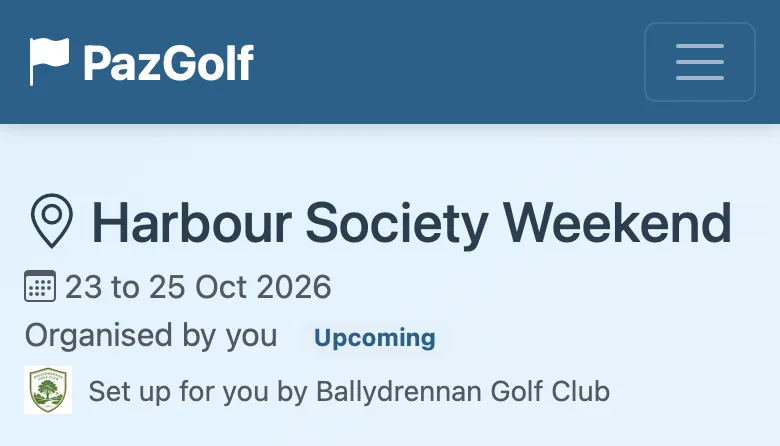
A venue's trips keep PazGolf's own look, with "Set up for you by" and the venue's name under the trip's, and its logo if you send us one:
Colleagues
Anyone at your company can set up and look after your trips with their own login. Tell us who, and we'll email them an invitation.